




F.A.Q.
Product FAQs
1. Why does Usay Ring 1 have LED lights?
Most wearable devices only allow you to review historical data from the previous day. Usay Ring 1 is designed for real-time status tracking. The built-in smart LED lights provide instant feedback without opening the mobile app:
- Stress alert: When physiological stress reaches a moderate to high level, the ring flashes for 3 seconds as a reminder.
- Energy Level Check: Real-time display of your body energy, helping you decide whether to continue exercising or take a rest.
2. How do the LEDs work?
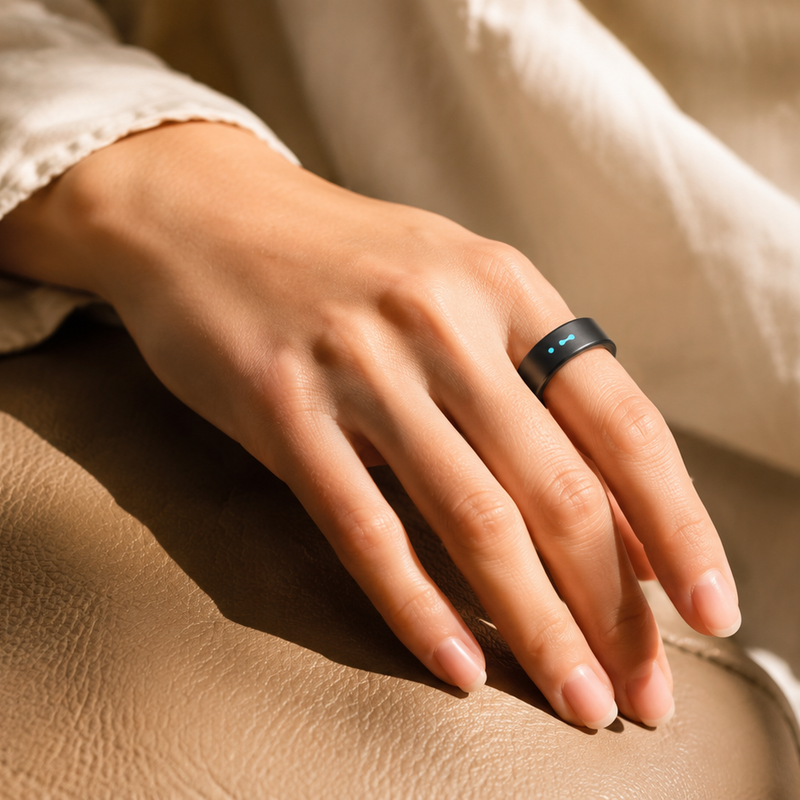
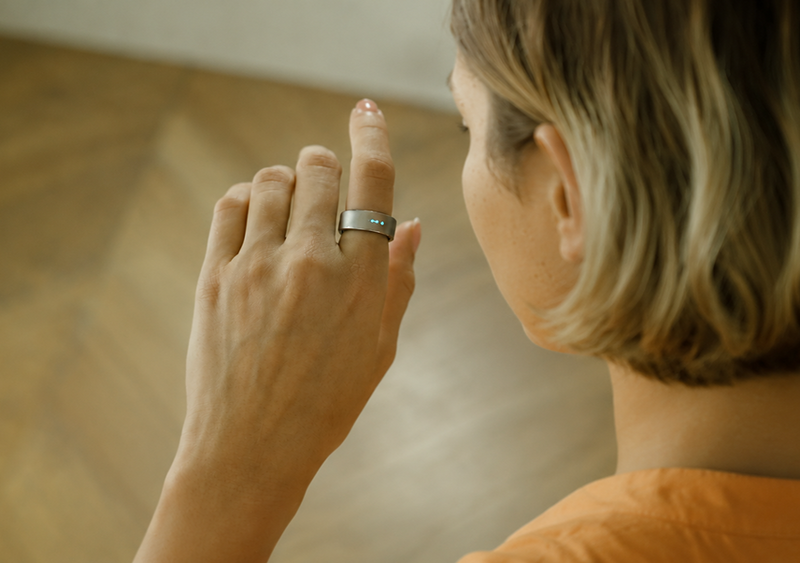
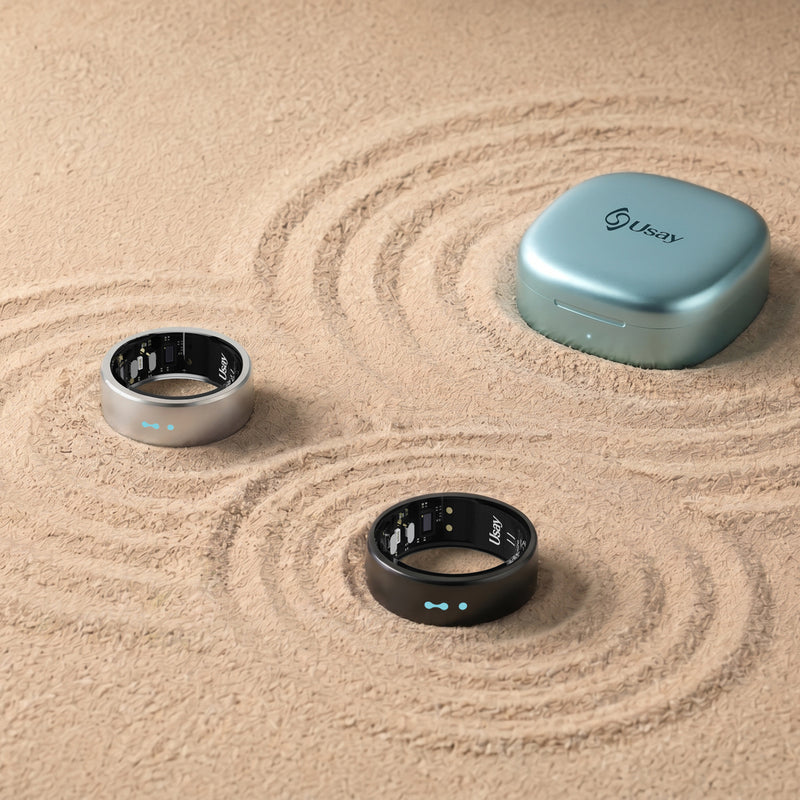
Usay Ring 1 is equipped with three built-in LED lights that provide real-time body feedback without opening the app. Simply rotate your wrist 180 degrees to bring the light panel into view.
- All 3 lights on (steady): High energy level, stable stress, and good physical condition
- 2 lights on (steady): Moderate fatigue and medium physiological stress
- 1 light on (steady): Low energy and increasing stress
- When physiological stress reaches the warning threshold, all three lights will flash continuously for 3 seconds as a silent visual reminder to rest and recover.
3. What is Body Energy?
Body Energy reflects your real-time physical stamina and fatigue level. It is calculated based on heart rate variability (HRV), blood oxygen, vascular activity, and daily activity data. The LED lights directly display your energy level to help you decide whether to continue exercising or take a break.
4. What is the AI Health Assistant? Is it free to use?
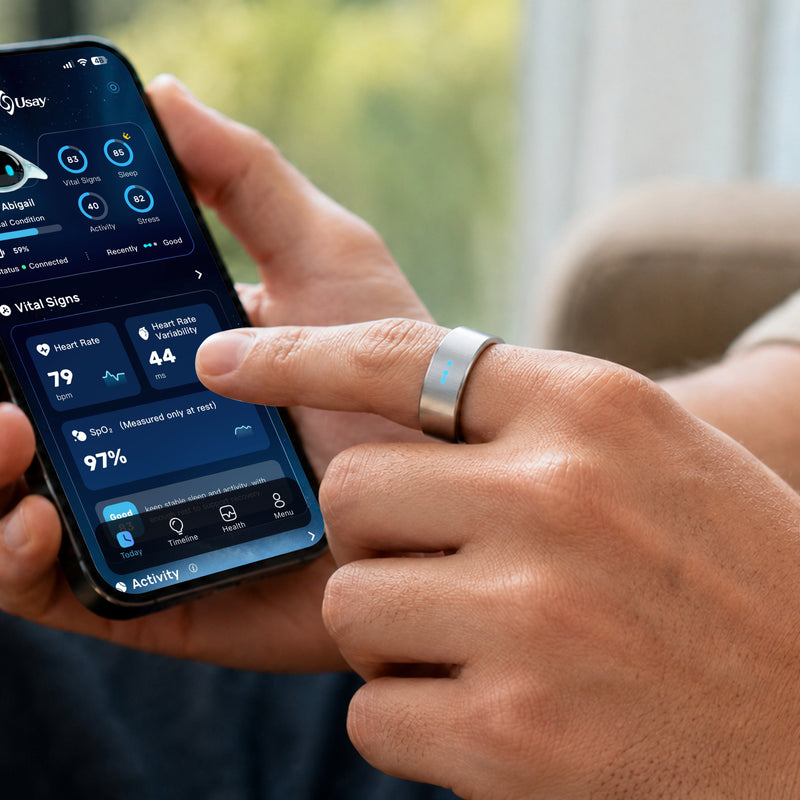
It is a built-in text and voice assistant. You can ask everyday questions in natural language, such as “How did I sleep last night?” or “Why am I under so much stress?”, without needing to read complex data charts.
The standard version is free with every ring, offering approximately 10 text interactions per day, which meets most users’ daily needs.
5. Do I need a paid subscription to view health data?
No subscription is required. All core health metrics, including sleep, stress, heart rate, and vascular vitality, are available for free during our extended free access period.
6. Which devices are compatible with Usay Ring 1?
Usay Ring 1 works with smartphones running iOS 10 or later, Android 15 or later, and Bluetooth 5.0 or above.
7. How do I confirm my correct ring size?
Do not rely on your regular jewelry ring size. Select the free sizing kit at checkout, and we will send you a measuring tool first. Wear the sizing ring for at least 24 hours, including during sleep, then scan the QR code inside the package to submit your size. We will then ship your official smart ring.
8. What ring sizes are available?
Usay Ring 1 is available in sizes #6 to #14. We strongly recommend using our free sizing kit before purchasing to ensure a perfect fit.
9. Can I use sizing tools from other brands?
No. Each brand’s sizing tools differ in sensor placement and inner structure. Only the official Usay sizing kit guarantees accurate measurement results.
10. Which finger should I wear the ring on?
We strongly recommend wearing it on your index finger for the most accurate data, especially for vascular vitality and sleep tracking. The index finger has stronger arterial blood flow, providing better sensor signal quality.
11. What if the ring gets stuck on my finger?
Raise your hand and apply ice to reduce swelling. Then use soap, lotion, or oil to lubricate your finger and gently twist the ring off. You may also use the dental floss method to slide it off. Do not force the ring off. Seek medical help immediately if your finger becomes discolored, numb, or painful.
12. What material is the ring made of?
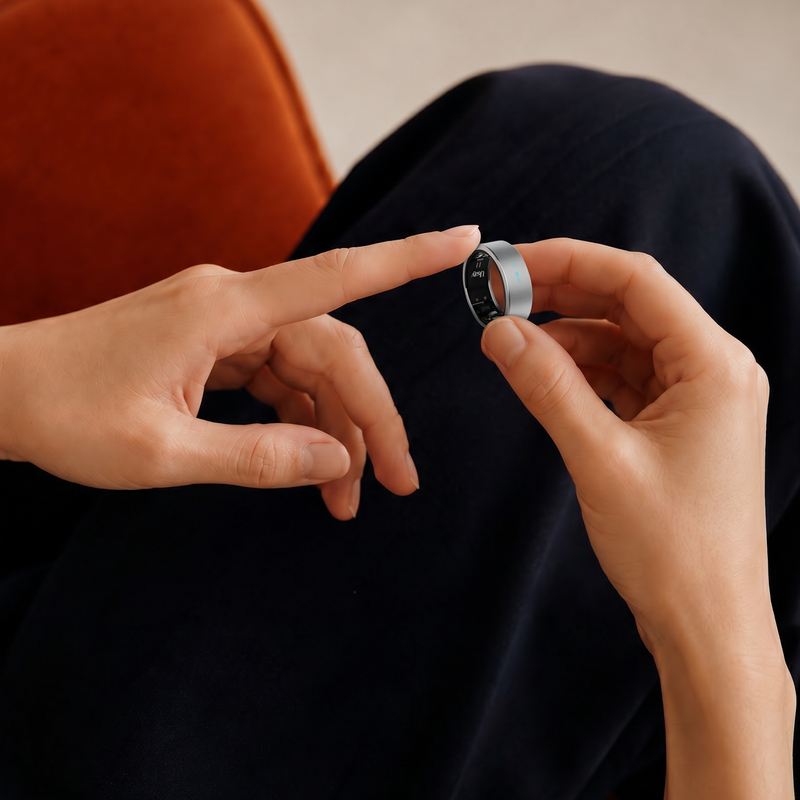
Outer layer: aerospace-grade titanium alloy
Inner layer: epoxy resin
13. Is the ring waterproof?
Yes. It has an IP68 waterproof rating. You can wear it while washing hands, showering, and swimming.
14. How long does the battery last?
A full charge lasts 3 to 5 days, depending on usage of LED lights and real-time monitoring features. The included charging case provides enough additional power for over 50 days of backup charging. Simply place the ring in the case to recharge anytime.
15. Can the ring track vascular vitality?
Yes. Usay Ring 1 monitors vascular vitality 24/7. Its proprietary algorithm tracks long-term trends to help identify potential health risks early. All data is for wellness purposes only and not intended for medical diagnosis.
16. How accurate is sleep tracking?
We use a 4-stage sleep model (Awake, Light Sleep, Deep Sleep, REM). Combined with HRV, nighttime SpO₂, and sleep temperature data, it generates a comprehensive sleep quality score.
17. Where can I download the Usay App?
Search “Usay” in the Apple App Store or Google Play Store to download the official app.
18. How do I find my size?
We strongly recommend using the free official sizing kit for the most accurate fit. Wear the sizing ring for at least 24 hours (including sleep), then submit your size through your order.
Troubleshooting FAQs
1. How do I reset or change my login password?
Go to the login page → Tap “Forgot Password” → Enter your registered email address → Follow the instructions sent to your email to reset your password.
2. I haven’t received the verification email. What should I do?
Check whether you entered the correct email address, look in your spam/junk folder, and wait a few minutes as email delivery may be delayed.
3. The ring fails to connect to the app
- Place the ring in a fully charged charging case and ensure it is positioned correctly
- Turn on Bluetooth on your smartphone
- Refresh the home page of the Usay app
- If the issue persists, unbind the ring in the app and re-pair it
- If it still doesn’t work, contact support at cs@myusay.com
4. The ring is not working properly
Place the ring in the charging case, ensure Bluetooth is enabled, and keep it connected. If the problem continues, reinstall the app and rebind your ring.
5. Why has my health data disappeared?
Data loss is usually caused by either improper ring fit (unstable sensor contact) or interrupted synchronization. The ring can store several days of data locally, but auto-sync only occurs when the app is opened with Bluetooth connected.
6. How do I update the ring firmware?
Firmware updates are automatically pushed through the Usay app. You will receive an in-app notification when an update is available. Ensure sufficient battery and a stable connection before starting the update.
7. How do I unbind the ring from my account?
Open the app menu → Device Management → Tap “Unbind” to disconnect the ring from your account.
8. Why can’t I receive app notifications?
Make sure notification permissions are enabled for the Usay app on your phone, and check notification settings inside App → Settings → Function Settings.